







Fix Hair Damage
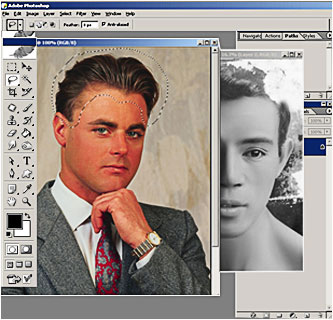
In this step we will find a suitable image to restore the missing hair part
- Use the Lasso
Tool (L) to select hair area and soften the selection using
the Feather command;
- Create Layer from Selection (Cntl-J);
- Next, desaturate the layer :
Image < Adjustments> Desaturate
- Move the layer on top of the initial image;
- Transform the layer, use the keyboard shortcut
( Ctrl-T )
- Then using the eraser tool we will erase
the unneeded parts of hair;
- Choose Merge Selected
from the Layers Palette menu to
merge the layers together.


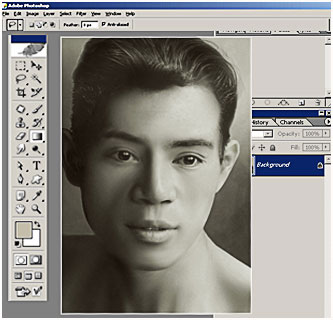
- Add noise to blurry images and blend in edited areas;
- Adjust the brightness and contrast ;
- Add sepia tone.
In the last step we :